Connect Your Payment
BoothKita never touches your customers' money - payments go straight into your own CHIP account. This step is required before a self-service booth can take payment.
Get your Brand ID and API Key
Sign in to chip-in.asia, create (or open) a Brand, and copy its Brand ID and API Key.
Connect it in BoothKita
From the dashboard, go to Settings → CHIP Payment Account. Paste your Brand ID and API Key, then Save. Once saved, the key is shown masked (e.g. ••••WwBl) — it's encrypted and never displayed in full again.
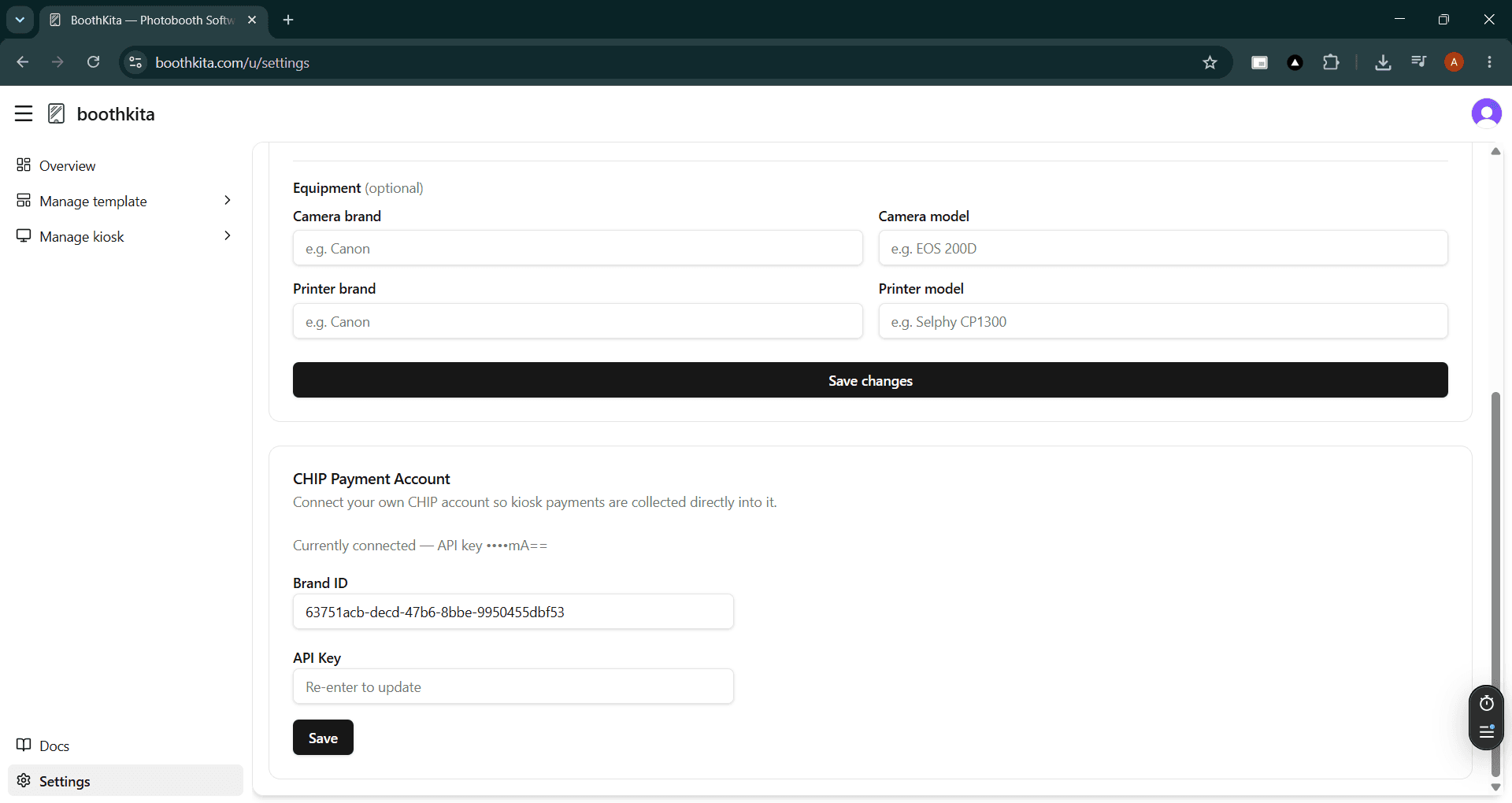
Changing the Brand ID later means re-entering the API Key too — saving always replaces both together, there's no partial update.
Verify before going live
Saving doesn't check the credentials against CHIP. A mistyped or revoked key still saves without an error. Before relying on a kiosk for real customers, run one real payment through it end-to-end to confirm the connection actually works.