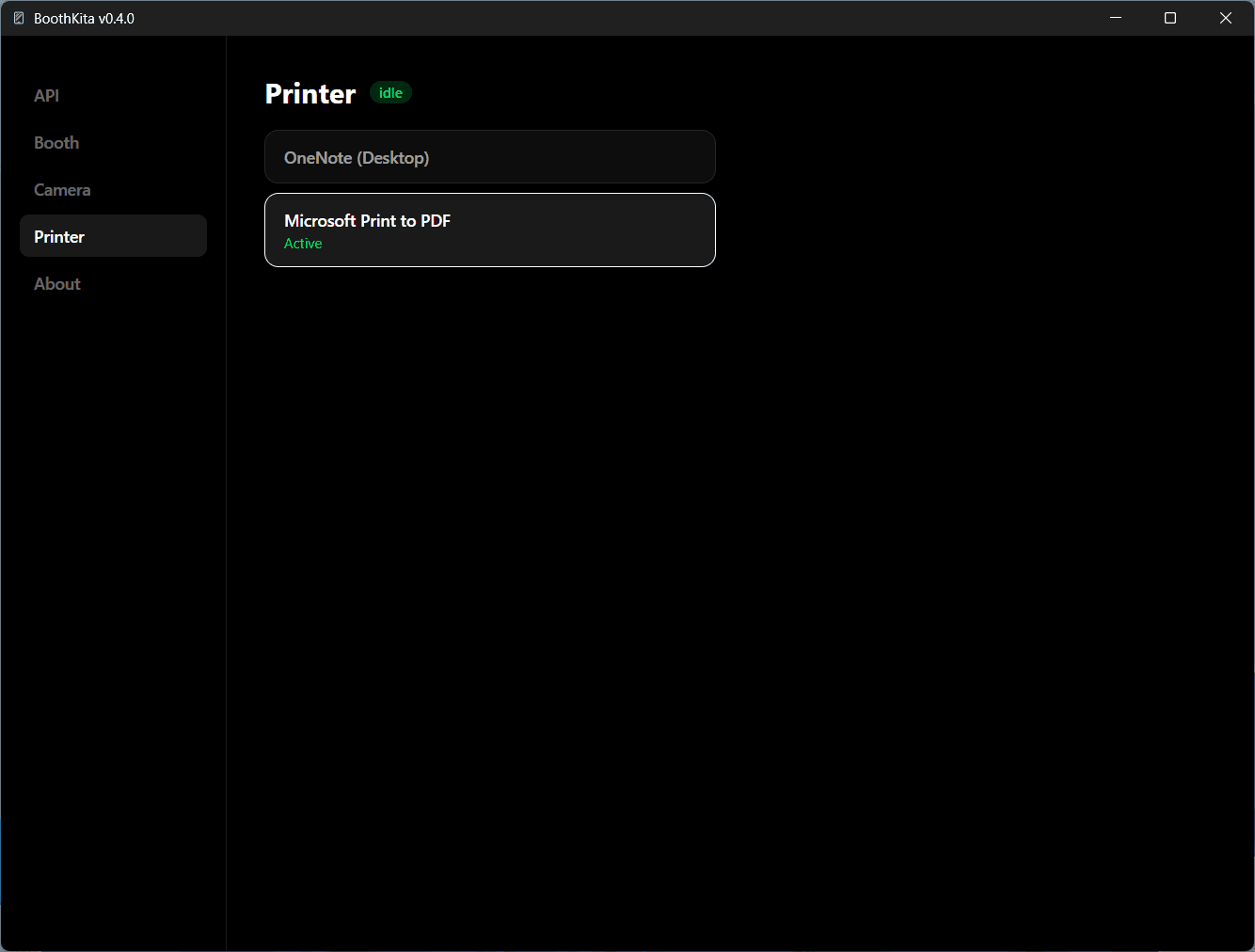
Connect a Printer
Connect your printer via a USB and configure it in the Settings screen
Install the driver
If you haven't already, install the driver for your printer - usually from the manufacturer's website, or the CD that came in the box.
Connect and select it
Plug the printer into the kiosk over USB. From the Settings screen's Printer tab, pick it from the list of system printers. Its live status (idle / printing / error) is shown next to it, and the selection persists across sessions and restarts.