Config Setup
Sets up everything BoothKita needs to talk to the camera.
What it installs
- WSL2: a lightweight Linux environment that runs alongside Windows.
- Camera driver tools: gPhoto2 and its dependencies, so BoothKita can control DSLR and mirrorless cameras.
- USB bridge: lets that Linux environment see the camera plugged into Windows over USB.
Files needed
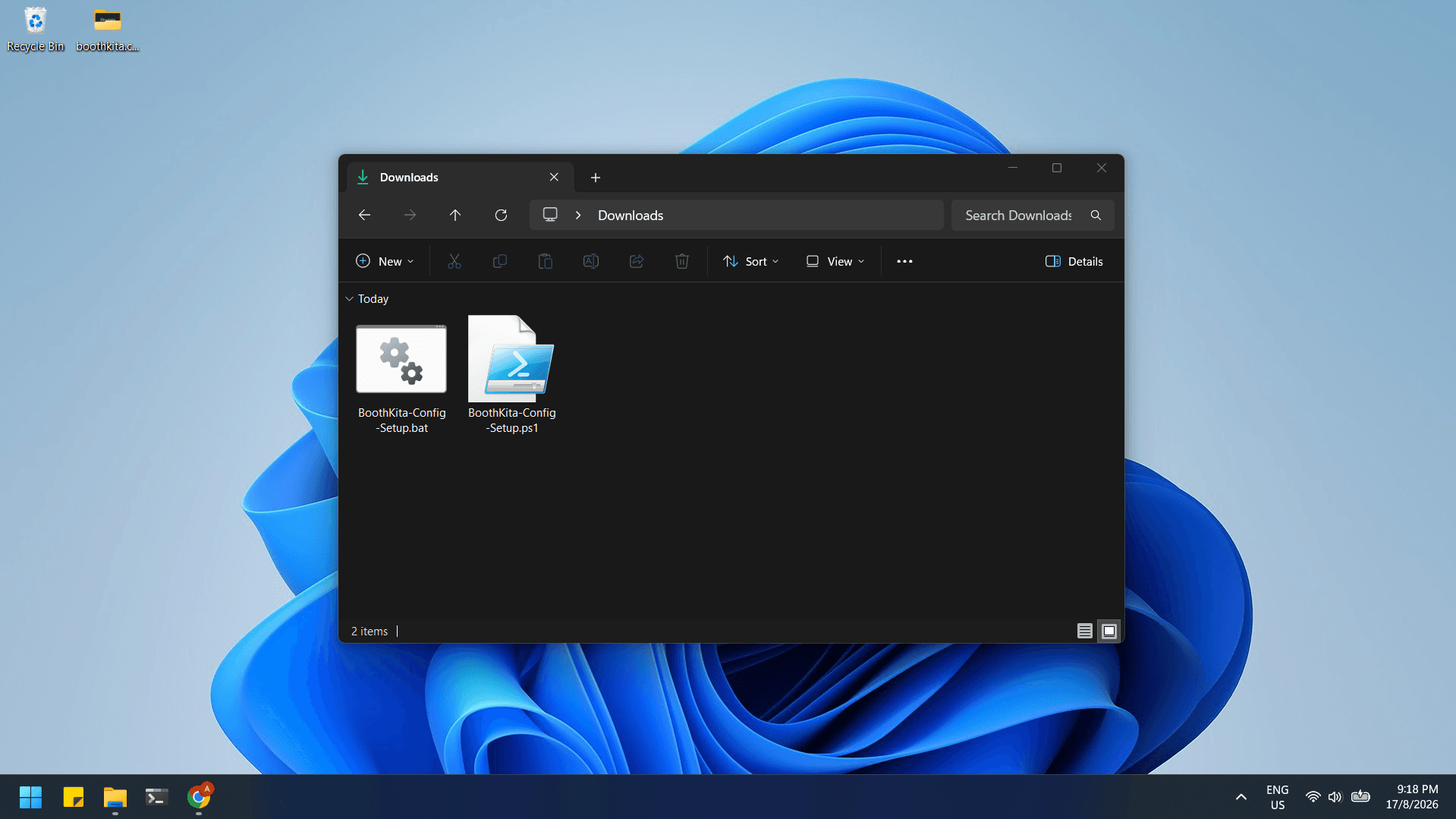
Config setup needs two of the files you have downloaded, kept in the same folder:
BoothKita-Config-Setup.batBoothKita-Config-Setup.ps1
Run it
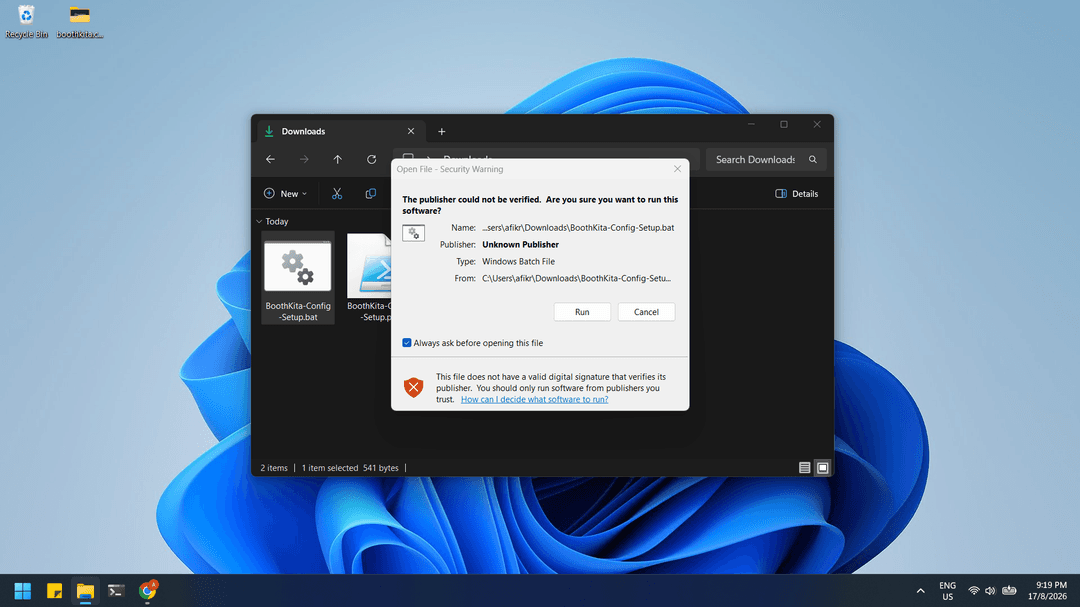
Double-click BoothKita-Config-Setup.bat. Since the file is unsigned, Windows shows an "Open File - Security Warning" dialog. Click Run to continue.
Then Windows shows another dialog to run a Windows PowerShell (User Access Control). Click Yes on that one too.
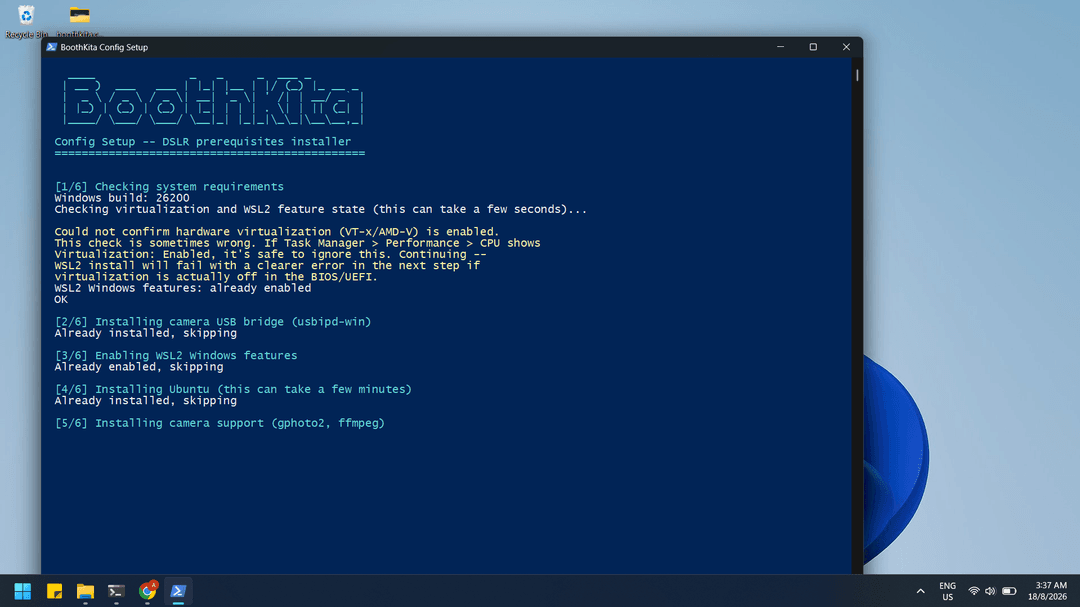
After that, the installation window opens and works through the setup on its own. The machine may restart partway through; if it does, log back in normally and the setup picks up automatically where it left off, nothing to re-run by hand.