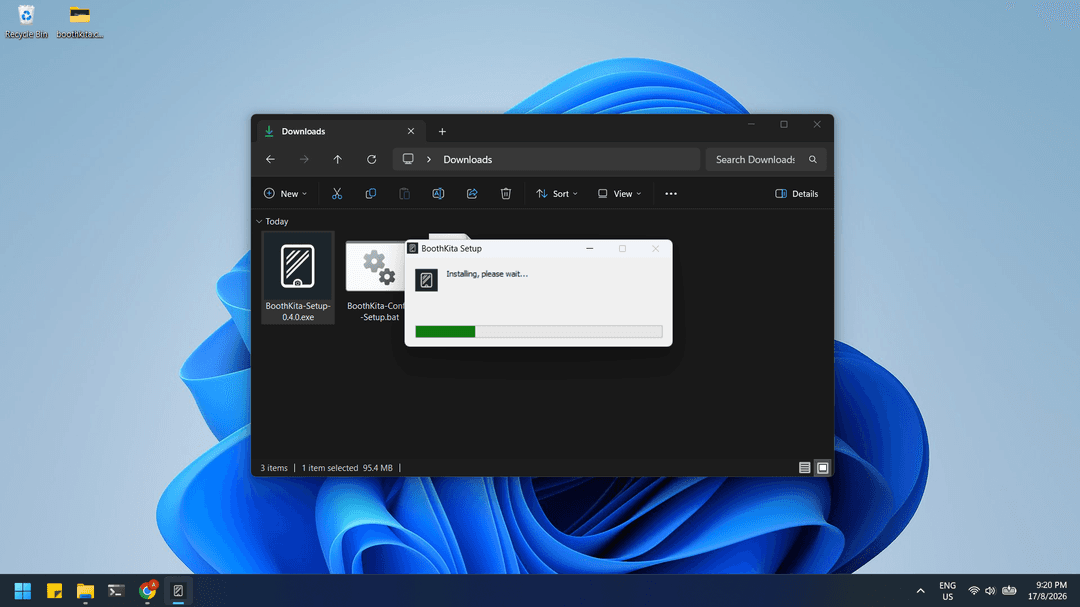
App Setup
Sets up the main BoothKita desktop application for Windows. Support for macOS and Linux coming soon.
Files needed
App setup needs one of the files you have downloaded: BoothKita-Setup-X.Y.Z.exe.
Run it
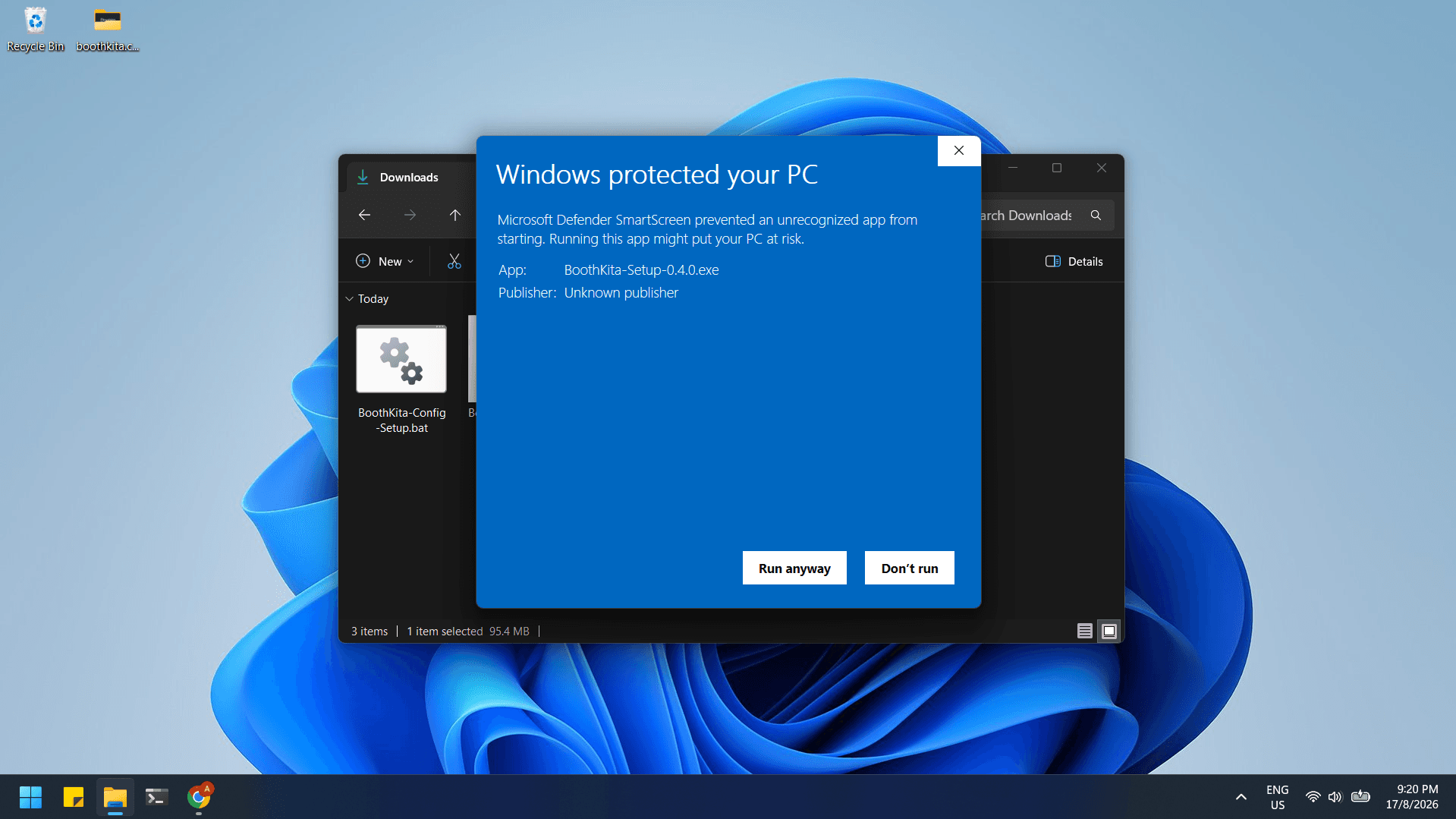
Double-click BoothKita-Setup-X.Y.Z.exe. Since the file is unsigned, Windows shows a "Windows protected your PC" dialog. Click Run anyway to continue.
After that, the installation works through on its own. Future updates apply automatically in the background whenever the app restarts, so there's nothing to re-download later.